How to Log Your Volunteer Hours
Please see below the login information and the step by step instructions:
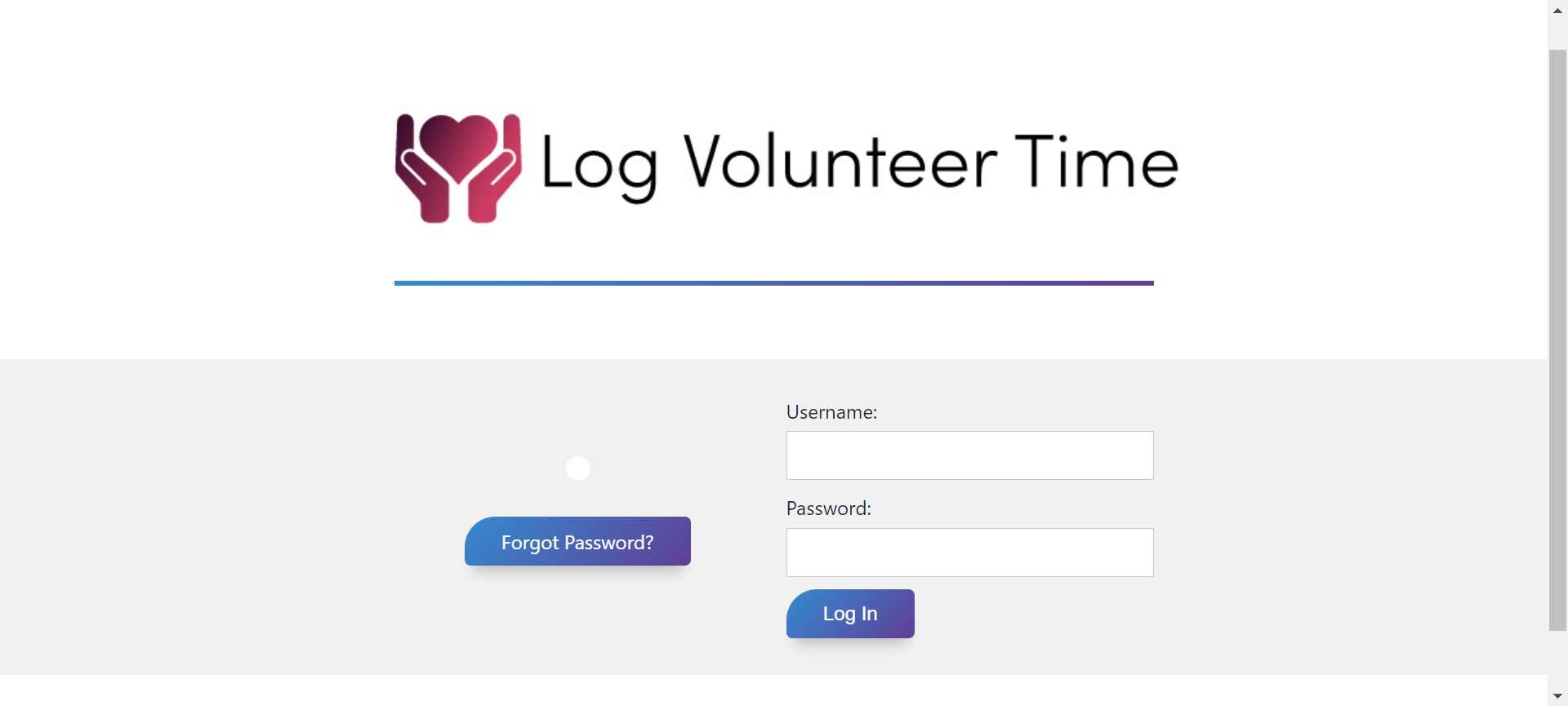
Step One: Enter your login information in https://www.logvolunteertime.com/.
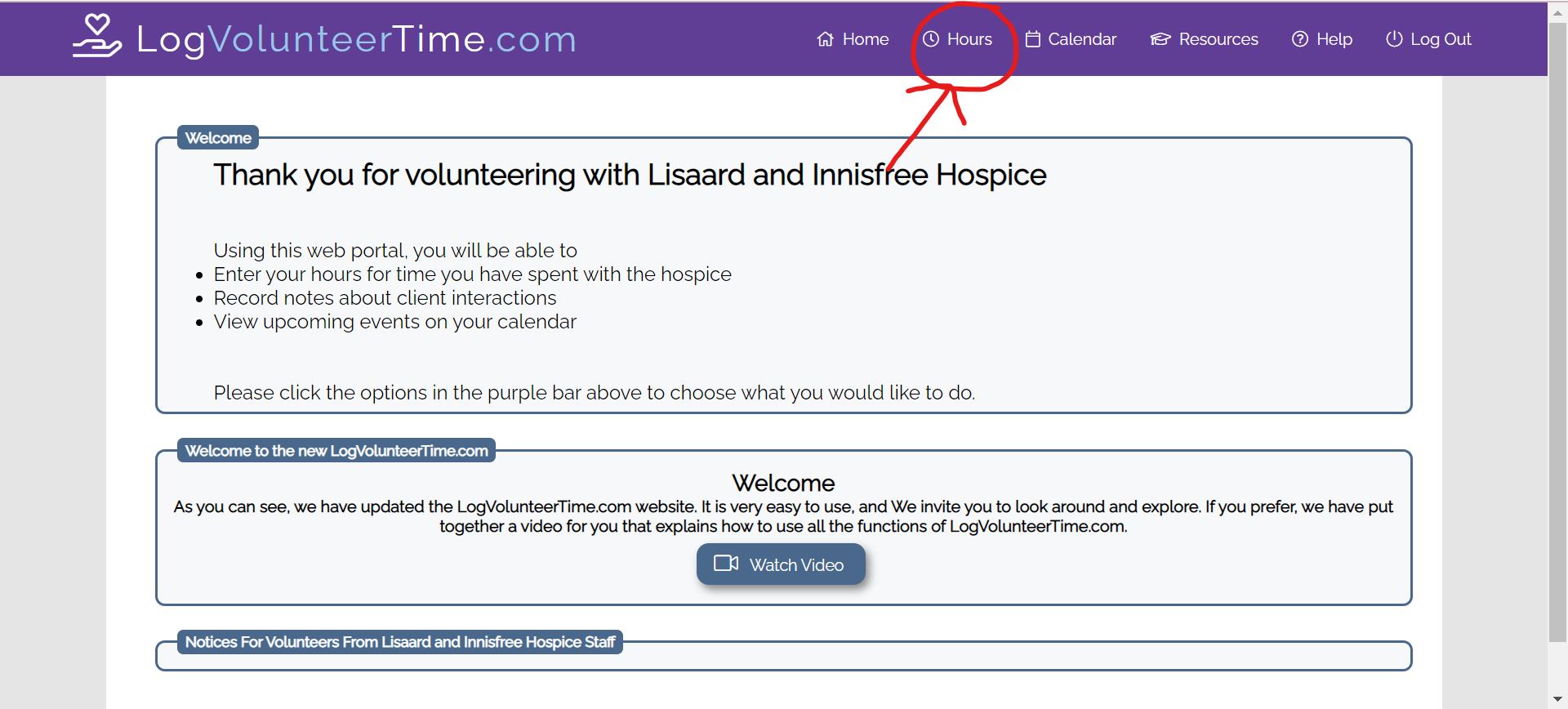
Step Two: Click on the “Hours” icon in the top, right hand corner of the screen.
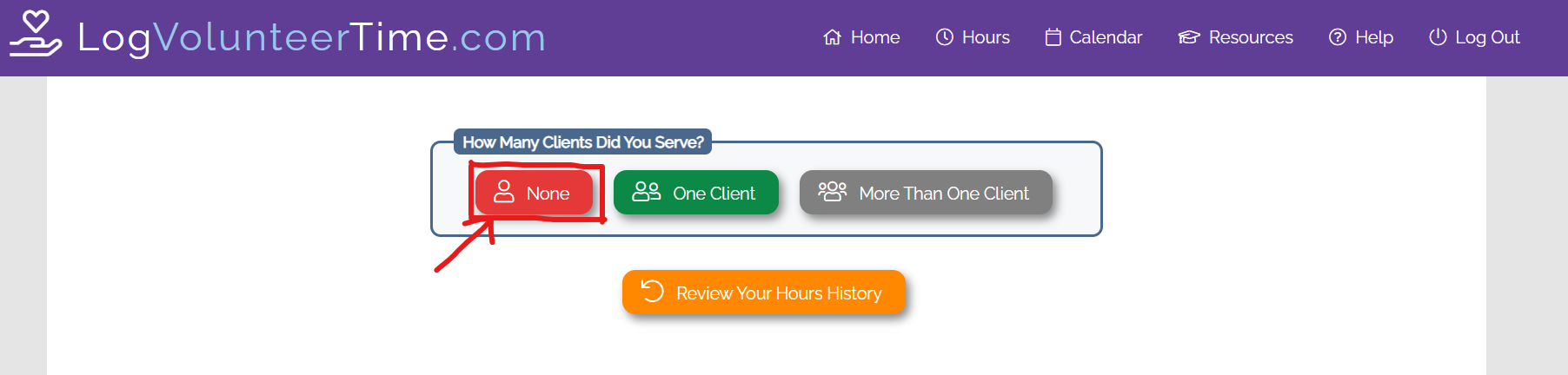
Step Three: Click on “None” for the How Many Clients Did You Serve section.
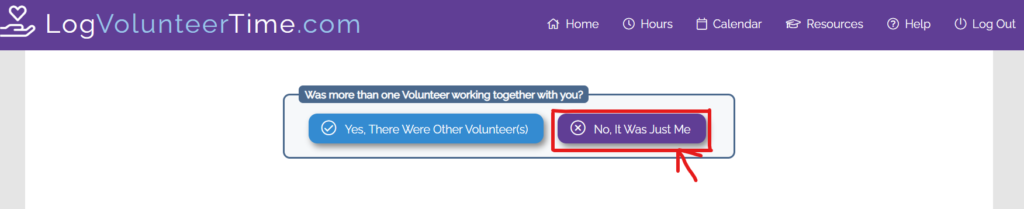
Step Four: “No, It Was Just Me” for the Was more than one Volunteer working together with you? section.
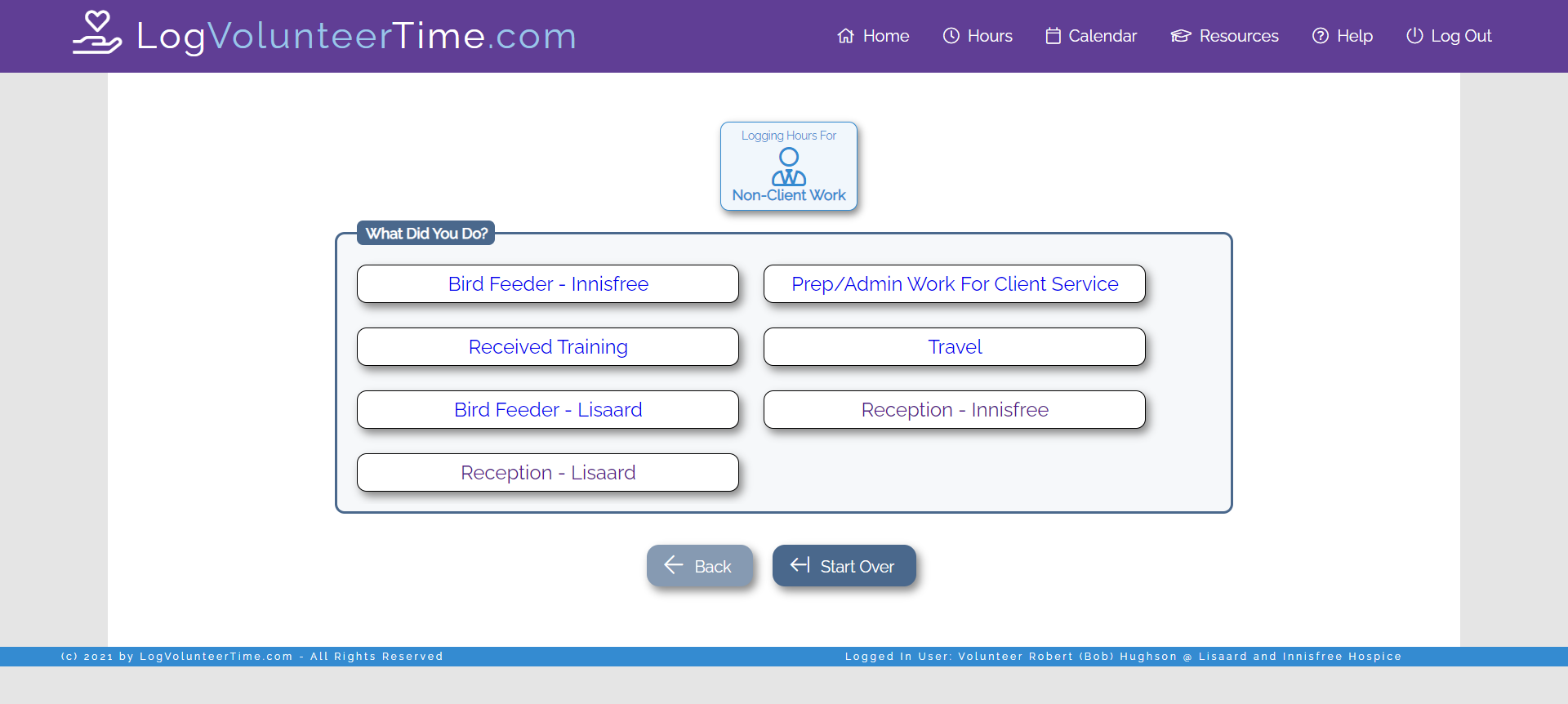
Step Five: Select which volunteer role you would like to log hours for (eg. Reception – Innisfree).
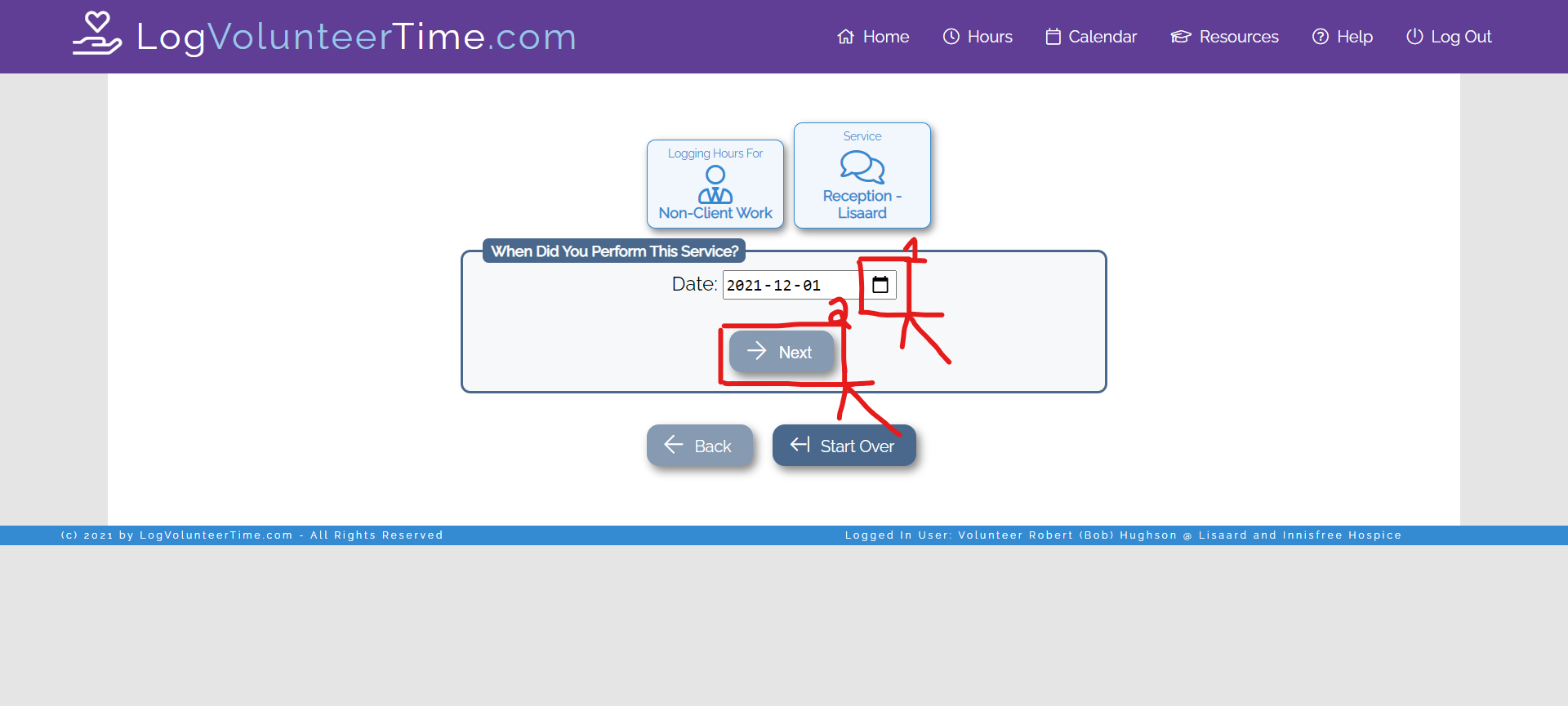
Step Six: i) select the date (it will autofill to current date) ii) select “Next.”
**It will automatically show today’s date**
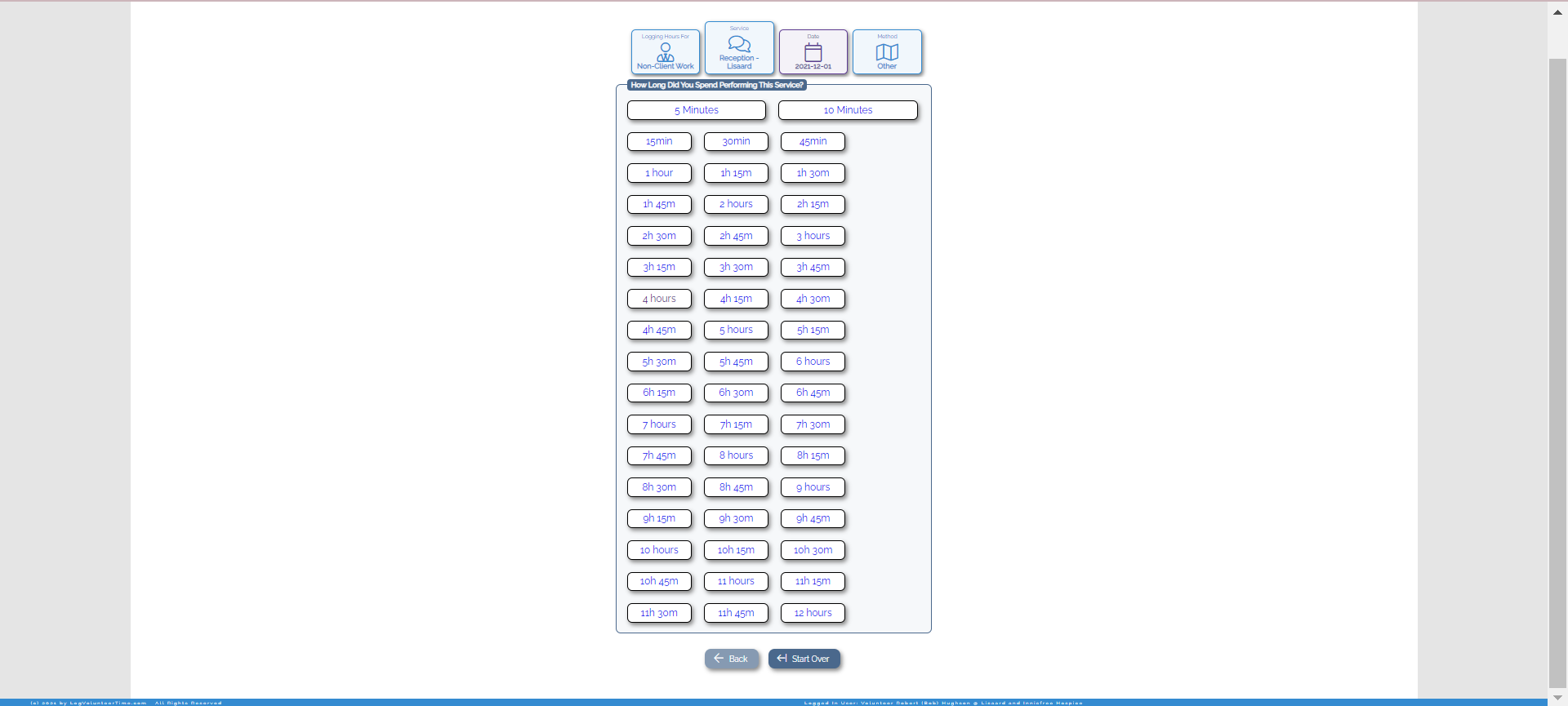
Step Seven: Select the number of hours you volunteered. This allows you to log hours in 15min increments so please be as precise with your hours as possible.
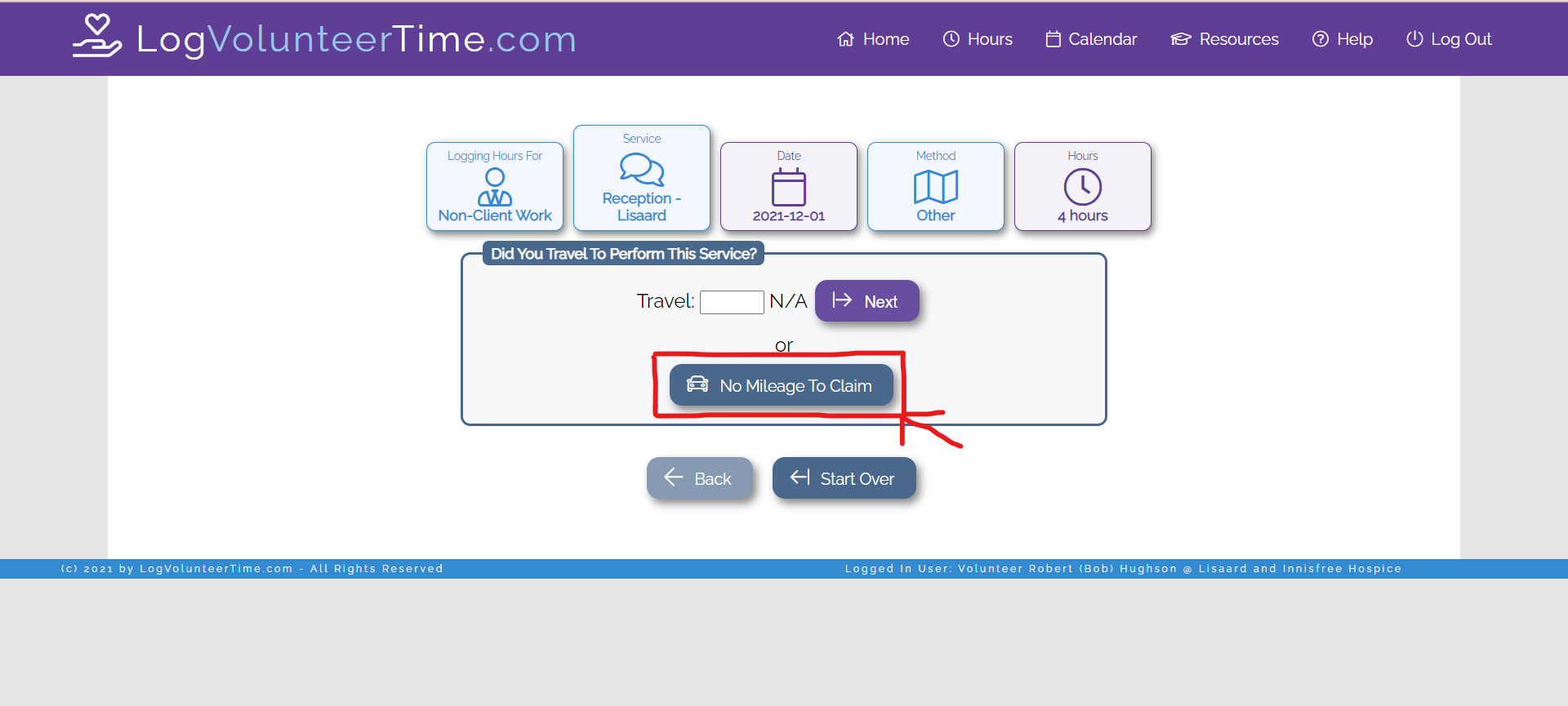
Step Eight: Select “No Mileage to Claim.”
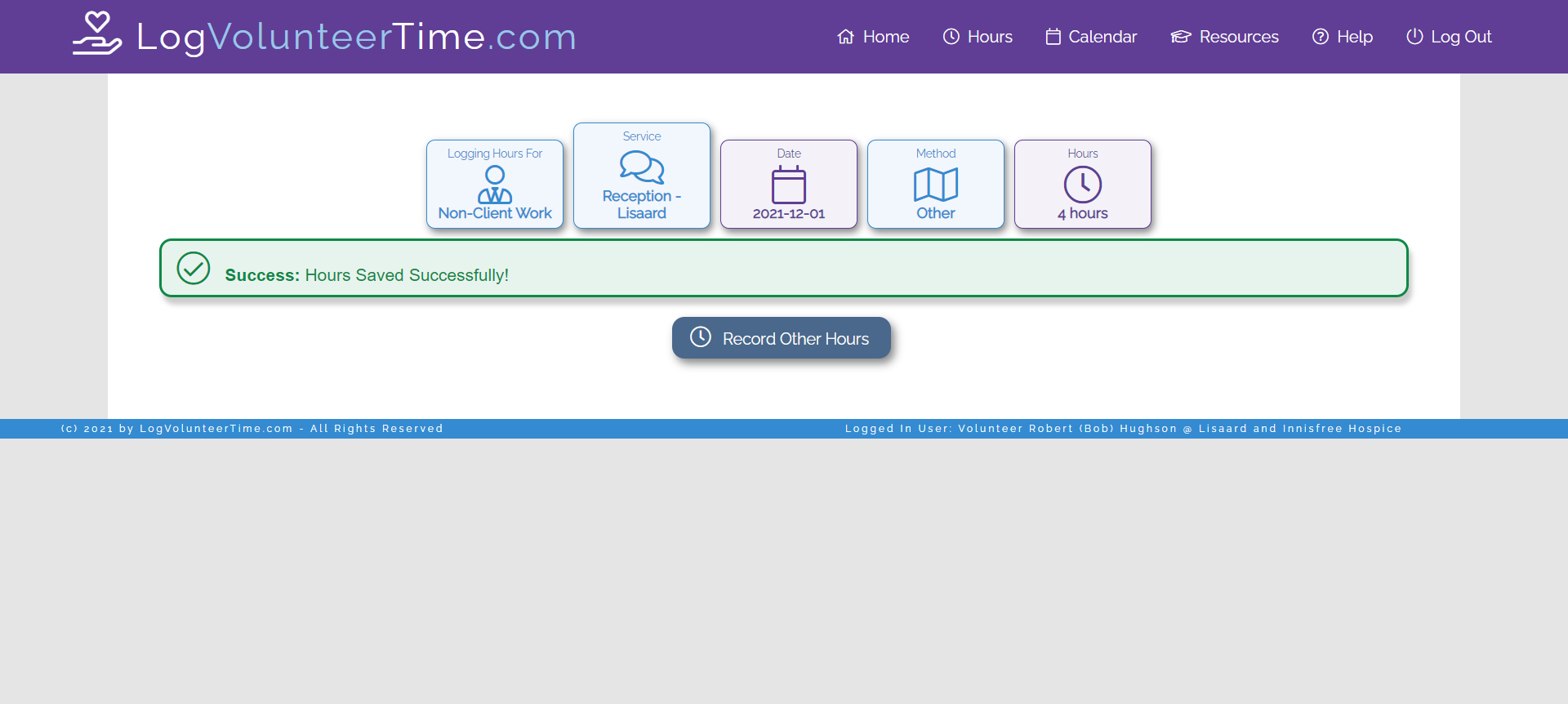
Step Nine: Congrats 🎉You have successfully logged your volunteer hours!